A guide to choosing field management software for commercial landscaping
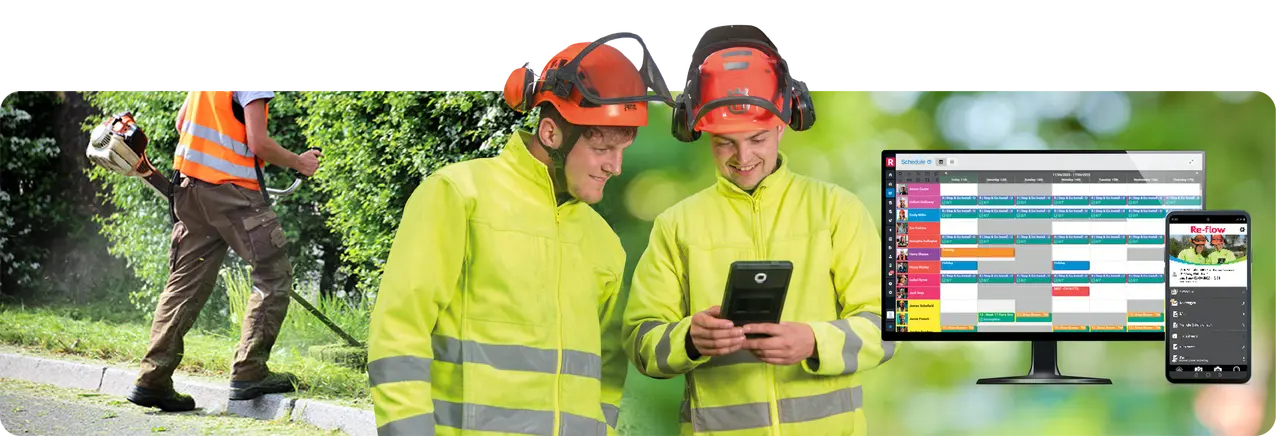
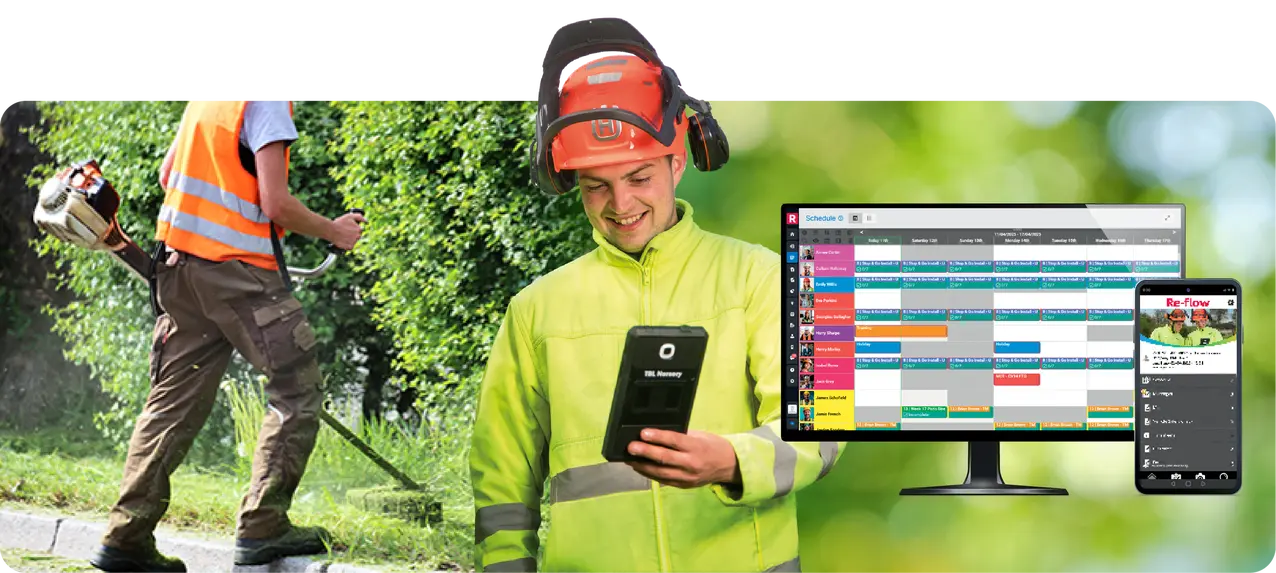
Commercial landscaping operations demand accuracy, documentation, and consistent compliance, often across multiple sites, contracts, and clients with different requirements. As more firms move away from fragmented systems or paper-based processes, the focus shifts to finding software that can support real‑world workflows without adding unnecessary complexity.
When reviewing field management software, it helps to approach the process with the right questions in mind. The ten areas below can be used as a practical checklist covering the key questions landscaping teams should be asking to ensure any system can handle how their operations actually run day to day.
1. Is it built for multi‑site, multi‑contract work?
Many tools are designed for small teams carrying out one-off jobs, but commercial landscaping typically involves multiple contracts running at once, work spread across regions and depots, and crews with different roles, skills, and certifications.
Software should reflect this structure, making it easy to organise work, track requirements, and manage jobs at scale.
2. Does it provide structured scheduling and contract management?
Managing contract details through spreadsheets or paper quickly becomes unmanageable. A suitable system should allow each job or contract to hold site‑specific requirements and documentation, task briefings and work instructions, and notes for operatives and supervisors.
This ensures crews arrive on site with the correct information, reducing miscommunication and delays.
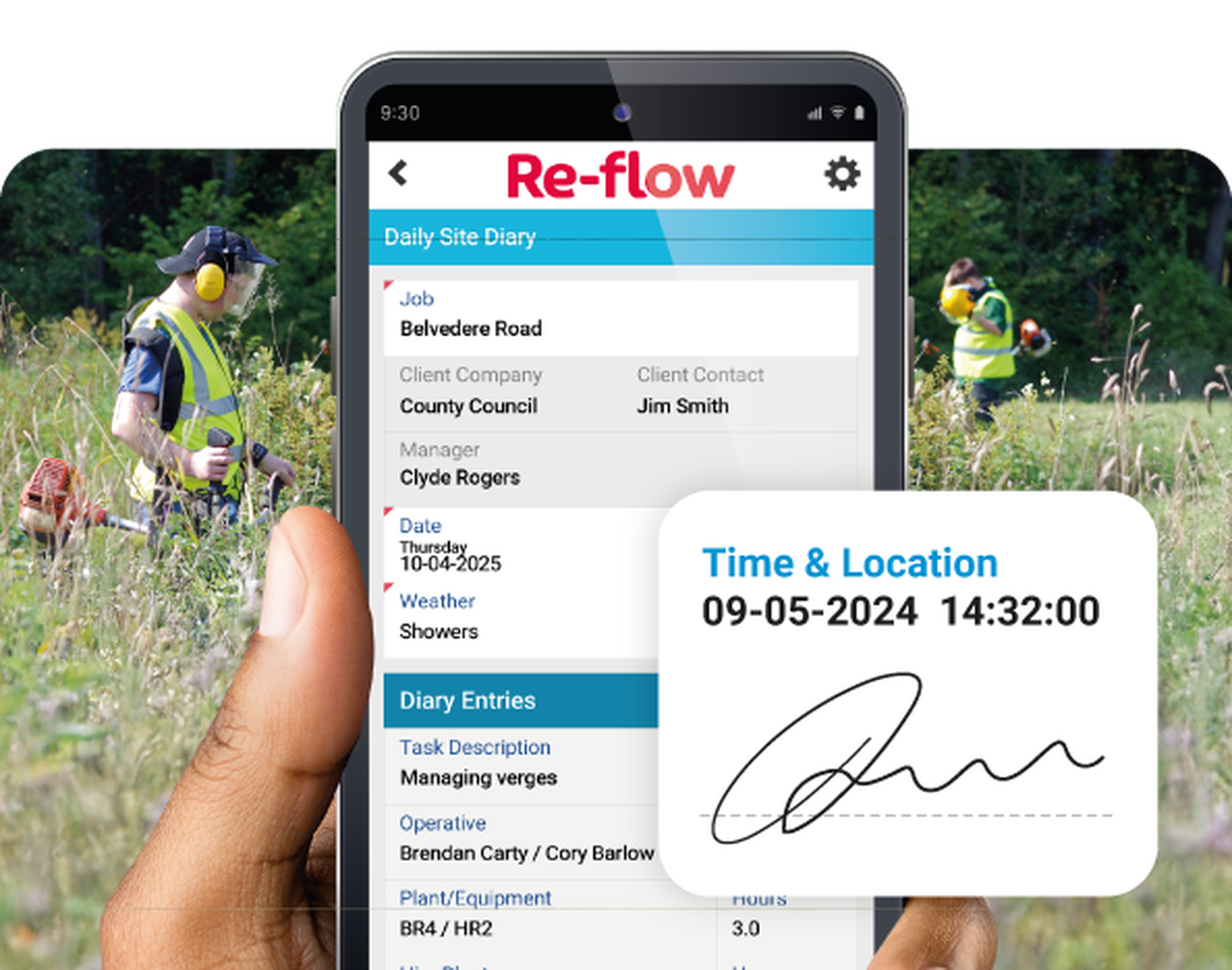
3. Are records and documentation centralised and easy to access?
Paper‑based processes often lead to lost documents, delays, and difficulty retrieving records during audits. Field management software should provide a single, accessible record of site activity, real‑time access to documents (even in low-signal environments), and immediate availability of inspections, certifications, and reports.
This turns audits into straightforward reviews rather than time-consuming investigations.
4. Does it support compliance and evidence capture as part of everyday work?
Landscaping work requires clear, auditable records tied directly to work carried out. Software should enable teams to capture inspections and safety checks, timesheets and operational data, and photos, timestamps, and site‑specific records as part of normal workflows.
This avoids the need for manual workarounds and ensures consistency across jobs.
5. Can it track competency and authorisations in real time?
Knowing who is qualified to carry out specific tasks is critical. A system should provide up‑to‑date competency records, visibility for supervisors and clients, and on‑site proof of qualifications when required.
This supports both compliance and professional standards.
6. Do digital forms reflect how work is actually carried out on‑site?
Forms are central to landscaping work, from safety checks to reporting. Digital forms should be easy to complete on site, automatically stored and time‑stamped, and structured around real workflows rather than generic templates.
For operatives, the process should be simple and quick to complete during the working day.
7. Are equipment and fleet checks integrated into daily routine?
Equipment and vehicle compliance should be part of daily routines, not a separate admin task. Software should allow on‑site completion of inspections, instant submission and storage, and real‑time visibility for supervisors and office teams.
This removes reliance on paper forms and reduces the risk of missing records.


8. Does it connect operational and admin processes in one workflow?
Operational and financial processes are often disconnected, creating duplication and inefficiency. A well‑structured system should bring together job records, timesheets and work data, and quoting, purchase orders, and invoicing into one workflow.
This improves consistency and reduces the need for rekeying information across systems.
9. Is it easy for site teams to use day to day?
Adoption is critical, especially where teams have varying levels of digital confidence. Software should be intuitive and quick to learn, accessible via mobile devices, and built around simple, repeatable workflows.
If it’s not easy to use, it won’t be used consistently.
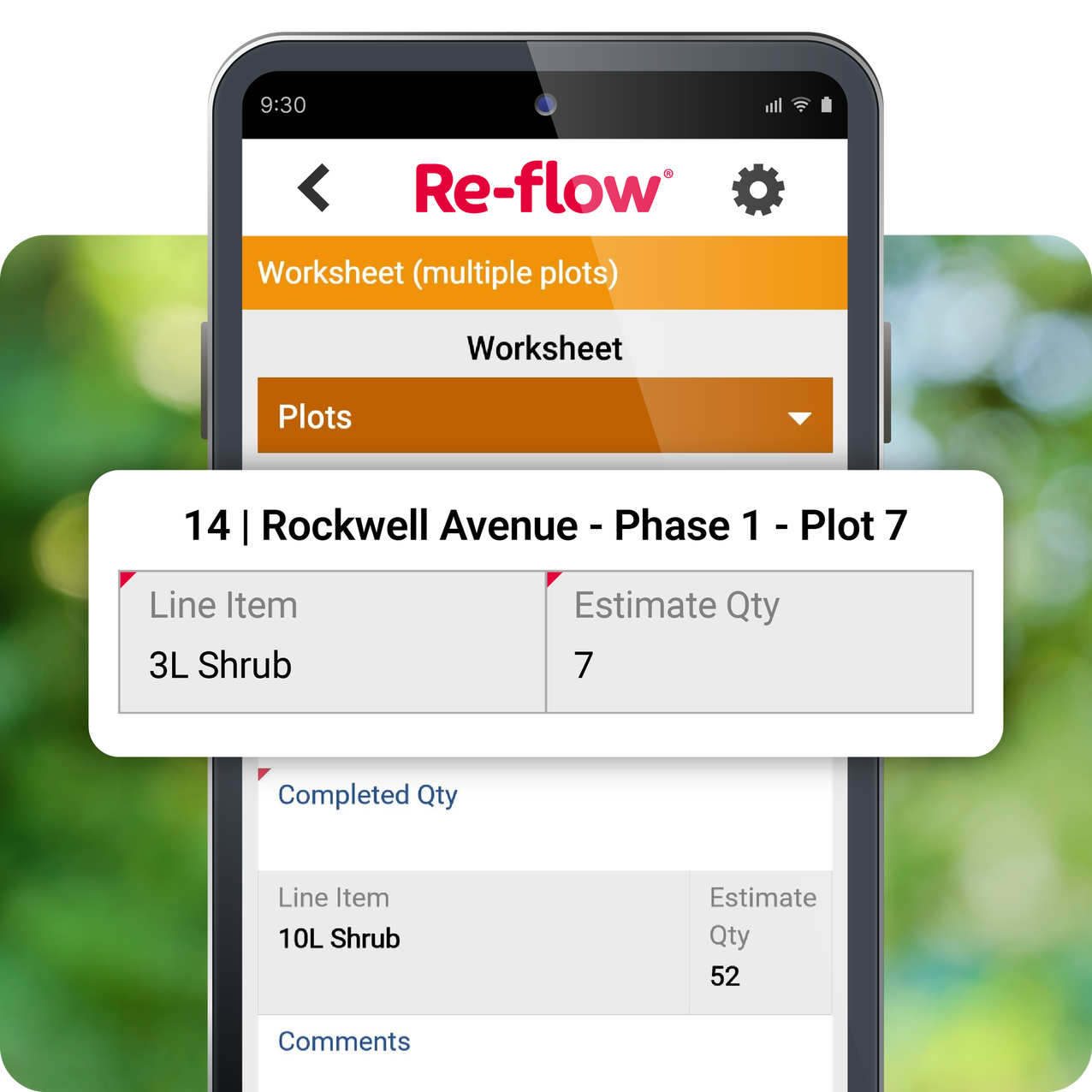
10. Can it manage multi-plots within a single job?
Landscaping projects often involve multiple plots or areas within a single contract. Systems should allow multiple plots within one job, with plot‑specific data capture and reporting, while maintaining clear visibility across all areas of work.
This avoids duplication and keeps workflows efficient.

In summary, field management software should support the realities of commercial landscaping, not simplify them. If it reflects how your teams already work, captures the right information at the right time, and reduces administrative effort across both site and office, it is far more likely to deliver long-term value.