PAS 2080 module for carbon management checklist
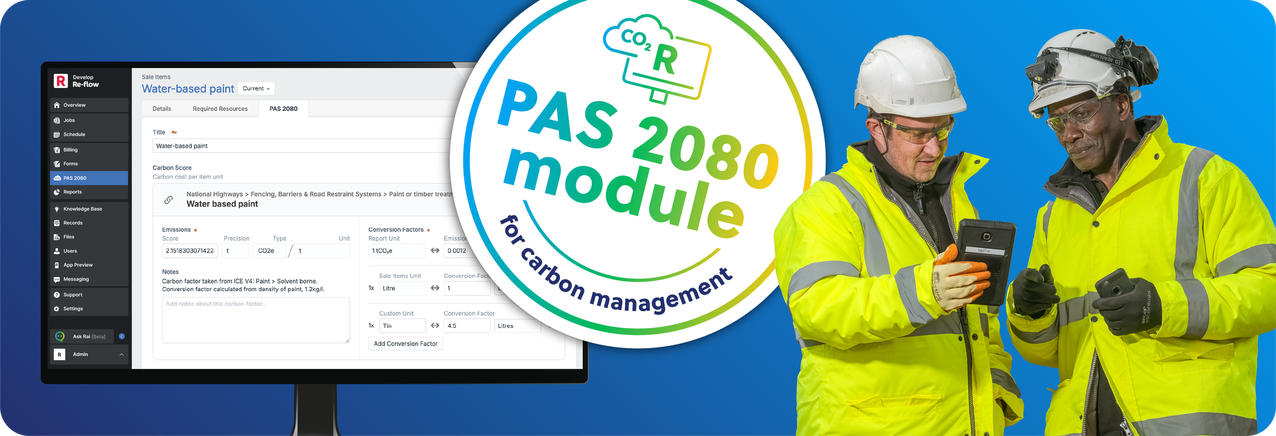
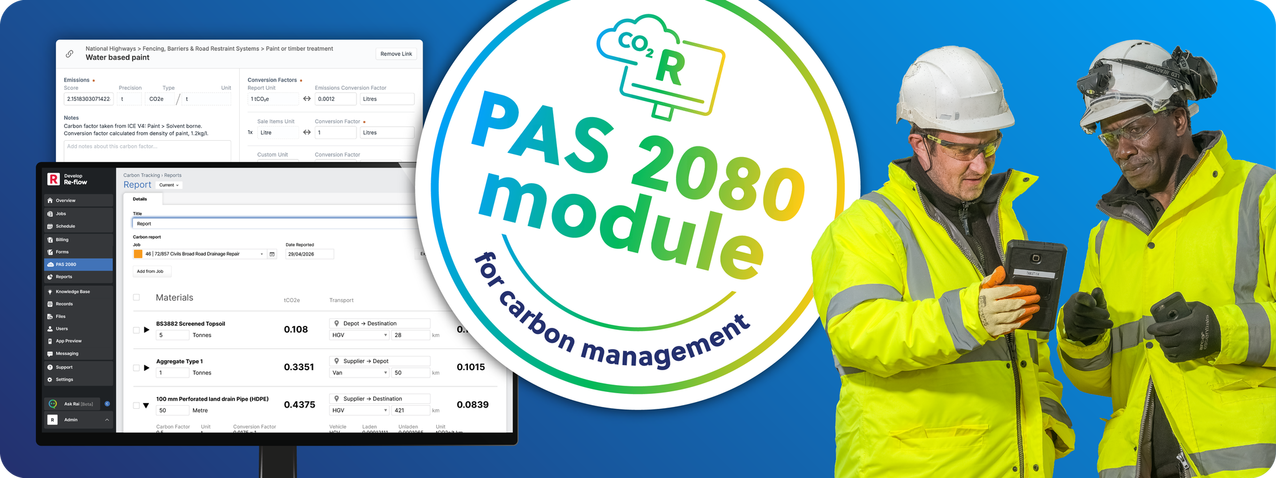
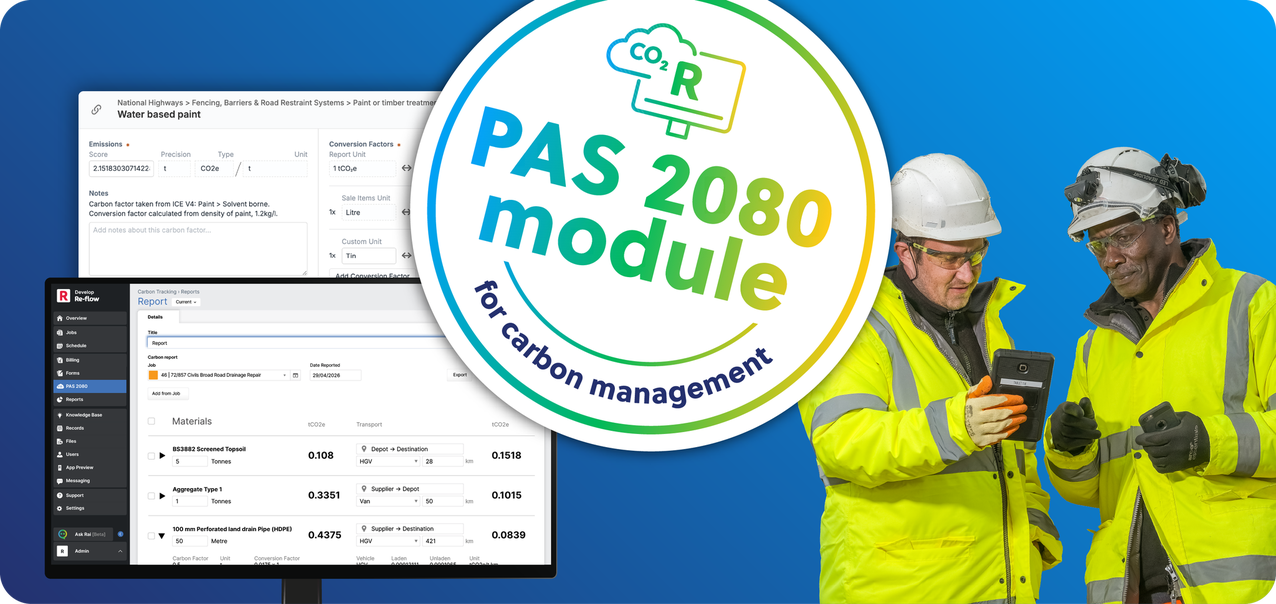
How Re-flow will get carbon reporting up and running in your operations
Carbon reporting in Re-flow is built from the same job, quote, and site data your teams already record, with existing forms and workflows extended rather than replaced.
With the module in place, Re-flow supports your team in building the following into your operations:
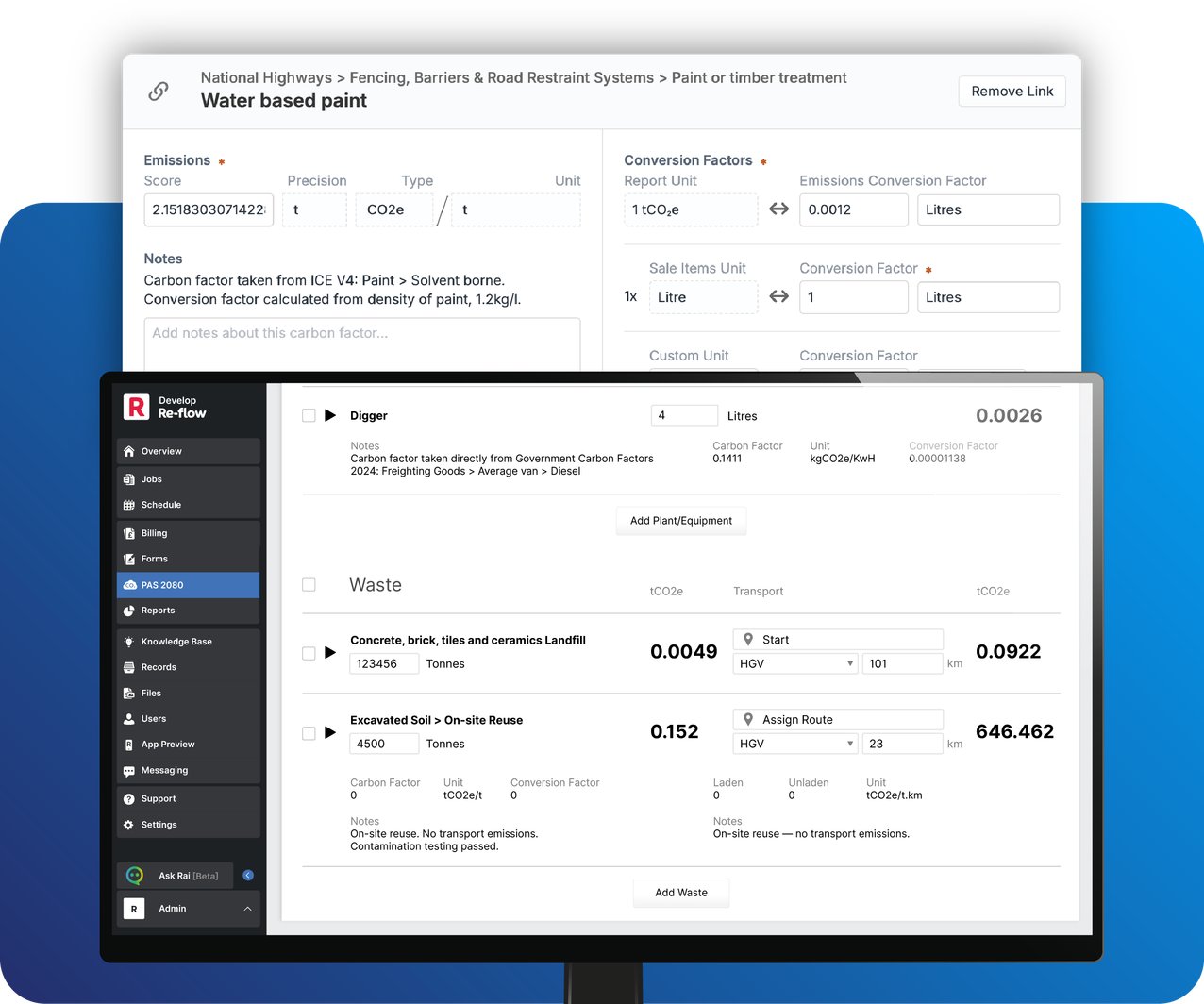
1. Carbon scores added to your items and services
Using your own carbon values or national standards, carbon values are assigned to each material, asset, item, and vehicle, so impact is automatically included in reporting.
2. Transport methods defined for how materials are delivered
You record how materials move (e.g. HGV, van, rail), allowing transport-related carbon to be calculated alongside the job.
3. Wastage types set with corresponding disposal routes
Waste streams and disposal methods are defined so waste generated on site contributes correctly to carbon totals.
4. Carbon data generated from both quoted and recorded quantities
Carbon can be calculated from planned job data or updated using actual site records, giving visibility before and during delivery.
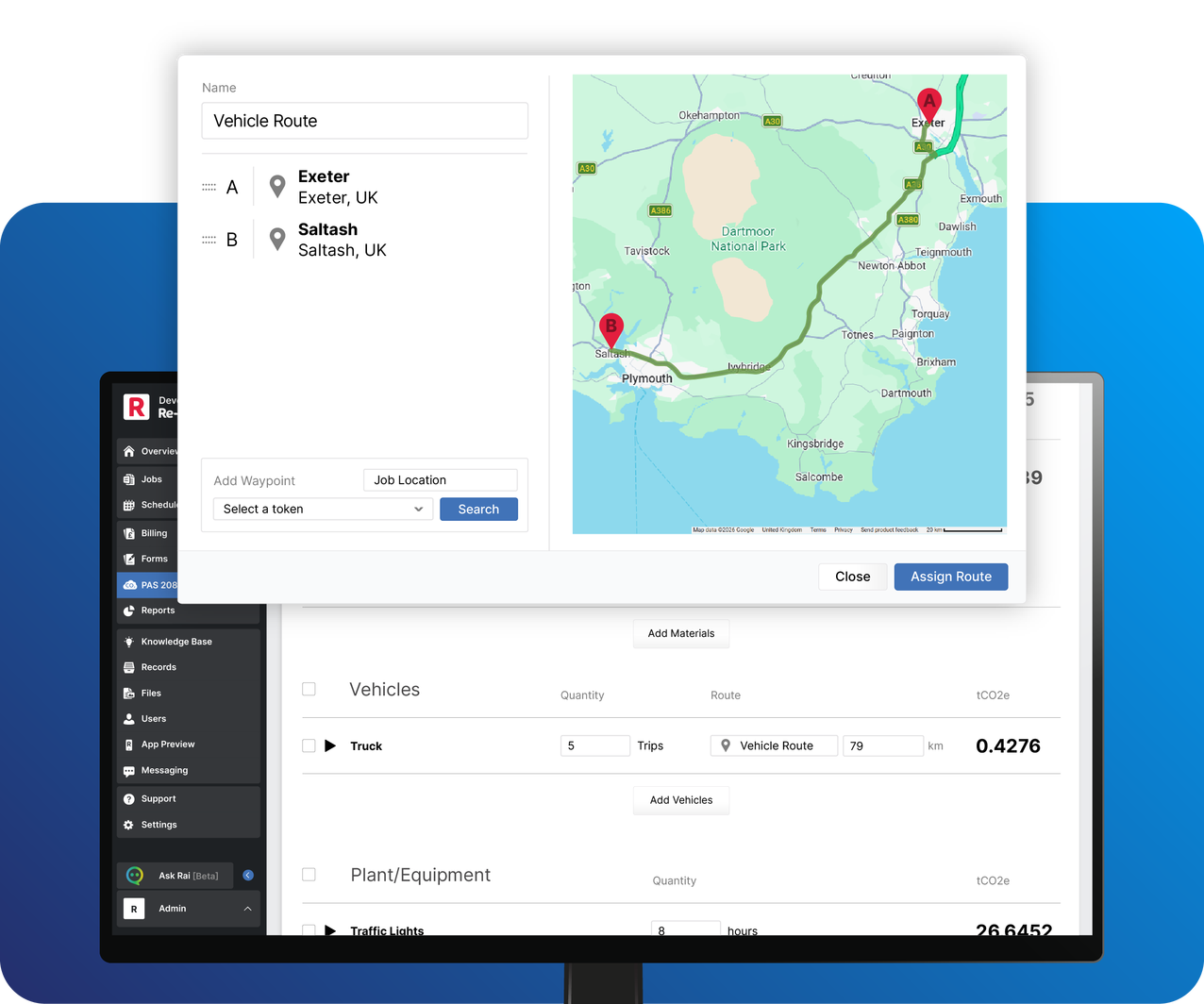
5. Job and depot locations recorded for accurate calculations
Locations are used to calculate distances and routes, making transport and logistics data usable in carbon reporting.
6. Plant usage captured through forms on active jobs
Site teams record plant and equipment use through forms, which feeds directly into carbon calculations without separate tracking.
7. Waste transfer data recorded as part of site activity
Waste movements are logged through forms, so disposal and handling are captured as the work happens – not added later.
